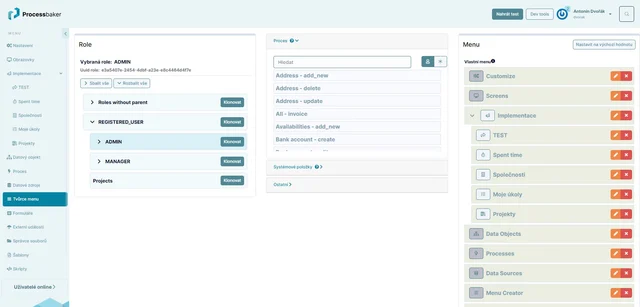
User Navigation

The menu is a fundamental navigation element for users in the system.

Based on the user's role, the menu defined for their role is displayed. For example, a company executive may see different menu items than their assistant.
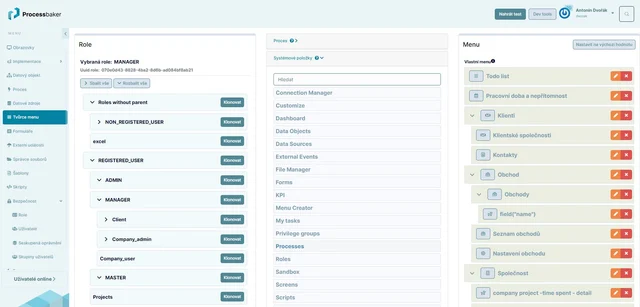
  • In the system, it is possible to create different menus for different roles.
  • Creating the menu structure is intuitive using drag and drop. Users can name menu items arbitrarily and change their order in the menu structure by dragging them.
  • Any icon from hundreds available in the system can be added to a menu item.
  • Any menu item can be linked to any process, which will be executed when clicking on the menu item. Most commonly, this will involve displaying a screen to the user, but it is possible to, for example, display a form or run any more complex process.
  • It is also possible to finely adjust the appearance of the menu in the module for customizing the system appearance.
function menu creator