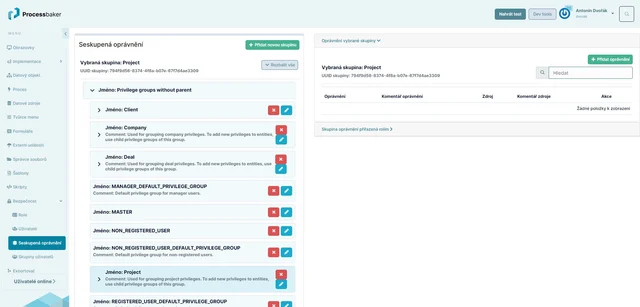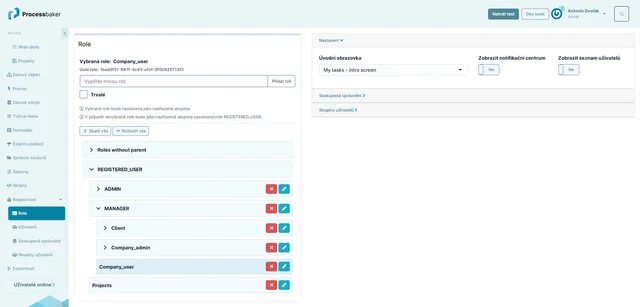
Users typically access the system through their username and password. However, what a user can see and do depends on the role they belong to.
Systembaker allows for managing highly complex access rights for users (ACL) based on defined roles.
For example, in the notification system, a user in the role of a notifier sees the form for sending notifications and only has access to their own notifications. A user responsible for managing notifications, on the other hand, sees all notifications assigned to them for resolution and can change their status. The company executive sees all notifications.
Systembaker allows for managing highly complex access rights for users (ACL) based on defined roles.
For example, in the notification system, a user in the role of a notifier sees the form for sending notifications and only has access to their own notifications. A user responsible for managing notifications, on the other hand, sees all notifications assigned to them for resolution and can change their status. The company executive sees all notifications.